

A Practical Shopify Privacy QA Matrix: Consent, GPC, Tracking, and Accessibility
How to build a repeatable browser-testing workflow for Shopify storefronts instead of relying on a single scan or consent-banner check.
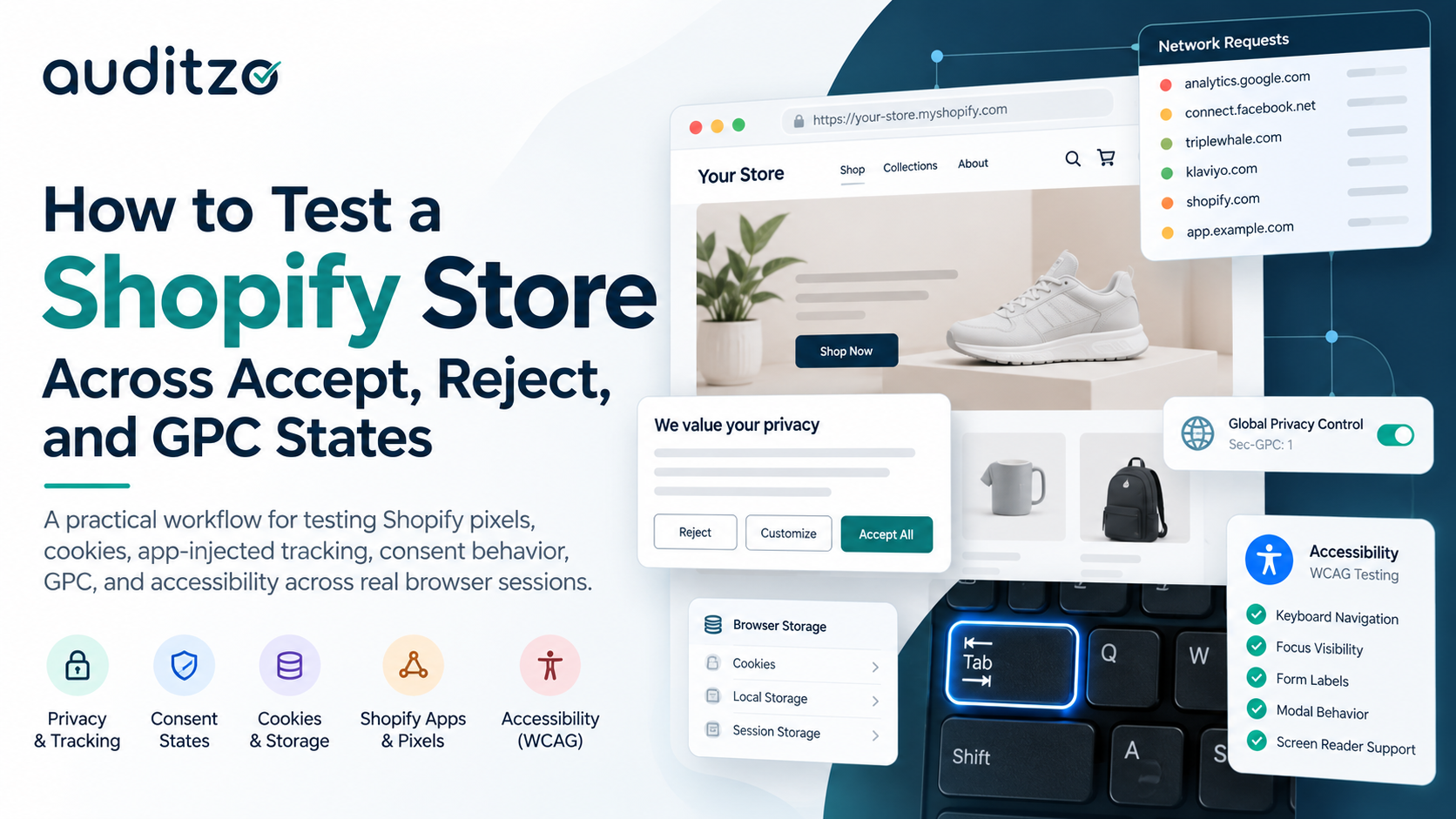
A Shopify storefront is not a static website.
It is a runtime environment made up of the theme, Shopify Customer Events, custom pixels, app embeds, marketing integrations, consent tooling, third-party widgets, and dynamic ecommerce interactions.
That creates a testing problem.
If you load the homepage once, run a scanner, and record what appears, you have only observed one state of the storefront.
For privacy and accessibility QA, that is usually not enough.
A more useful approach is to build a repeatable test matrix around the question:
What does the live storefront actually do under each defined visitor state?
This article shows how to turn that question into a practical Shopify QA workflow.
Why a test matrix is better than a single scan
Imagine a store with:
Shopify Customer Events
Meta or Google marketing integrations
analytics tools
Klaviyo or another lifecycle platform
attribution software
subscription apps
review widgets
custom pixels
a consent management platform
promotional modals
cart drawers
accessibility-sensitive interactive components
A single automated scan may tell you that certain technologies are present.
But it may not tell you:
what fired before any consent choice
what changed after Accept
what changed after Reject
what happened after Do Not Sell / Share
whether GPC changed observable behavior
whether an app injected additional tracking later in the journey
whether a popup or cart component remained keyboard accessible
That is why I prefer a state-based QA matrix.
Build the privacy test matrix first
A practical starting point is:
| Test ID | GPC | Visitor action | Purpose |
|---|---|---|---|
| PRIV-001 | OFF | None | Cold-session baseline |
| PRIV-002 | OFF | Accept | Observe affirmative-consent behavior |
| PRIV-003 | OFF | Reject | Compare against baseline and Accept |
| PRIV-004 | OFF | Do Not Sell / Share | Test available opt-out behavior |
| PRIV-005 | ON | None | Test GPC independently |
The exact states may vary by storefront and jurisdiction.
The important engineering principle is that each state is tested independently.
Do not run:
Cold -> Accept -> Reject -> GPC
inside one contaminated browser session and treat the results as independent tests.
Instead, prefer:
Fresh Profile -> Cold Test
Fresh Profile -> Accept Test
Fresh Profile -> Reject Test
Fresh Profile -> Opt-Out Test
Fresh Profile + GPC -> GPC Test
That makes comparisons much easier.
Define the test environment before testing
A useful test result should be reproducible.
Record the environment before starting.
For example:
Test ID: PRIV-003
Storefront: example.myshopify.com
Browser: Firefox
Profile: Clean dedicated profile
GPC: OFF
Consent action: Reject
Cache: Disabled
Network log: Preserved
Start time: 2026-10-07T09:42:13Z
Depending on the scope, you may also record:
browser version
viewport
geography or test region
VPN state
page URL
authenticated vs unauthenticated state
storefront version or release
relevant configuration changes
The point is not bureaucracy.
The point is being able to answer later:
How exactly was this observation produced?
PRIV-001: Establish the cold-session baseline
Start with the storefront in a clean browser state.
Do not interact with the consent banner.
Open DevTools and monitor:
Network
Cookies
Local Storage
Session Storage
Console where useful
Then load the storefront.
Record what happens before any privacy choice.
Questions include:
Which external domains are contacted?
Which scripts initialize?
Which cookies are created?
Which storage keys appear?
Are advertising or analytics endpoints contacted?
Do Shopify Customer Events begin producing traffic?
Do app-injected scripts initialize?
A simplified observation might look like:
State: Cold
GPC: OFF
Consent interaction: None

Observed:
- analytics.example.com request
- app.example.com initialization
- _example cookie created
- localStorage key added
This becomes the baseline for later comparison.
PRIV-002: Test Accept independently
Reset the environment.
Begin from a clean state again.
This time select Accept.
Record the interaction time.
Then compare the browser behavior with the cold session.
You may see:
additional marketing requests
advertising pixels
analytics events
new cookies
changed storage values
app behavior activated after consent
Instead of writing:
Meta fired.
record something reproducible:
Test: PRIV-002
Action: Accept
Interaction: 10:04:16Z

Observed:
Request to example-ad-endpoint.com
initiated after consent interaction.

Comparison:
Request was not observed during PRIV-001 cold baseline.
The comparison is often more useful than the individual observation.
PRIV-003: Test Reject as a separate state
Reset again.
Select Reject, or the equivalent non-essential consent rejection.
Now compare:
Cold
vs
Accept
vs
Reject
Look for differences in:
network requests
cookies
storage
advertising endpoints
analytics activity
Shopify pixels
third-party app traffic
Do not assume that because the banner shows "rejected," all downstream technology automatically behaves accordingly.
The browser is the source of evidence.
PRIV-004: Test Do Not Sell / Share separately
Where the storefront exposes a dedicated privacy-choice mechanism, it deserves its own test.
Examples may include:
Do Not Sell
Do Not Sell or Share
Your Privacy Choices
targeted-advertising opt-out
preference-center controls
Again, reset first.
Then:
perform the opt-out action
record the time
observe state changes
compare network behavior
inspect cookies and storage
navigate through the storefront
The implementation may differ from a standard Reject flow.
Treat it as a different test unless you have confirmed otherwise.
PRIV-005: Treat GPC as an independent browser state
Global Privacy Control is particularly useful to test independently.
A clean GPC path might look like:
Fresh browser profile
        |
        v
GPC enabled
        |
        v
No banner interaction
        |
        v
Load storefront
        |
        v
Observe behavior
First verify that the signal is actually being transmitted.
Where supported, you may see:
Sec-GPC: 1
Do not rely only on the browser UI saying that GPC is enabled.
Verify the request.
Then inspect:
consent state
cookies
storage
third-party requests
advertising traffic
analytics behavior
visible privacy confirmation
behavior after navigation
The engineering question is:
What changed when the browser sent GPC?
That is different from making a legal conclusion about the result.
Compare states systematically
Once the runs are complete, create a comparison table.
For example:
| Component | Cold | Accept | Reject | Opt-Out | GPC |
|---|---|---|---|---|---|
| Analytics request | Observed | Observed | Review | Review | Review |
| Marketing pixel | Review | Observed | Review | Review | Review |
| Marketing cookie | Review | Observed | Review | Review | Review |
| App script | Observed | Observed | Observed | Observed | Observed |
| Consent state | None | Accepted | Rejected | Opted out | GPC-derived |
Notice the wording.
Use terms such as:
Observed
Not observed
Changed
Unchanged
Requires attribution
Requires further review
Avoid prematurely writing:
Compliant
Non-compliant
Illegal
Violation
Those are different conclusions requiring different analysis.
The technical QA layer should first establish what happened.
Detection is not attribution
This matters a lot on Shopify.
You may observe a request to an external endpoint, but that does not automatically tell you which component caused it.
The source might be:
the theme
an app embed
Shopify Customer Events
a custom pixel
an installed sales channel
a tag manager
a checkout extension
a third-party widget
Use the browser to investigate:
Initiator
request stack
script source
payload
timing
cookies
storage
DOM changes
Then correlate the runtime evidence with Shopify configuration.
A strong workflow separates:
Detection -> Attribution -> Remediation
instead of assuming they are the same task.
Don't test only the homepage
A Shopify store is a customer journey.
Apps may initialize only when particular pages or interactions occur.
A better test path might include:
Homepage
   |
   v
Collection
   |
   v
Product
   |
   v
Variant Selection
   |
   v
Subscription / Add-on
   |
   v
Add to Cart
   |
   v
Cart
A product page may introduce:
review platforms
recommendation engines
subscription software
personalization
additional analytics
conversion events
The cart may trigger more events.
Your test matrix should therefore include journeys, not only URLs.
Add accessibility to the same QA model
Privacy testing answers one class of runtime questions.
Accessibility testing answers another.
The same Shopify ecosystem can introduce accessibility barriers through:
menus
modals
product selectors
search
forms
subscription widgets
reviews
cart drawers
third-party applications
A practical accessibility QA matrix might look like:
| Test ID | Component | Test |
|---|---|---|
| A11Y-001 | Header navigation | Keyboard operation |
| A11Y-002 | Product options | Focus visibility |
| A11Y-003 | Promotional modal | Escape + focus management |
| A11Y-004 | Form | Labels and error handling |
| A11Y-005 | Cart drawer | Keyboard and screen-reader behavior |
Automated tools can help identify candidates.
But interaction-heavy components usually need manual verification.
Keyboard testing should be intentional
At minimum, try:
Tab
Shift + Tab
Enter
Space
Escape
Arrow keys where applicable
Check whether:
controls are reachable
focus is visible
focus order is logical
menus can be opened and closed
modal dialogs trap focus appropriately
Escape works where expected
focus returns after a dialog closes
custom controls behave like their native equivalents
This is especially important for Shopify apps.
A theme may be reasonably accessible while a newly installed app introduces a barrier.
Record accessibility findings like test cases
Avoid vague findings such as:
Product page has keyboard issues.
Use a reproducible structure.
For example:
Test ID: A11Y-002

Page:
Product detail page

Component:
Variant selector

Input method:
Keyboard

Observed:
Focus reaches the selector, but the active option
does not expose a clearly detectable visible focus state.

Evidence:
Screenshot + keyboard traversal notes

Retest required:
Yes
Now another developer can reproduce the issue.
That makes remediation faster.
Preserve artifacts with predictable naming
Evidence gets messy quickly if everything is saved as:
screenshot1.png
new.har
final-final.har
test2.png
Use a structured naming pattern.
For example:
PRIV-001_cold_home_20261007T094213Z.har

PRIV-003_reject_home_20261007T101907Z.png

PRIV-005_gpc_product_20261007T104525Z.har

A11Y-003_modal_keyboard_20261007T112130Z.png
The exact pattern does not matter as much as consistency.
Useful fields include:
test ID
state
page
timestamp
artifact type
Use timestamps consistently
For evidence work, UTC is convenient because it avoids timezone ambiguity.
Example:
Test Start:
2026-10-07T09:42:13Z

Consent Interaction:
2026-10-07T09:44:02Z

Network Event:
2026-10-07T09:44:03Z
That allows you to correlate:
Visitor action
     |
     v
Consent state change
     |
     v
Network behavior
This becomes particularly useful when multiple systems are involved.
HAR files are useful, but they are not the whole story
HAR files can preserve valuable network information.
But a HAR without context can be difficult to interpret later.
Pair it with:
test ID
browser state
GPC state
interaction
page
start/end time
screenshots
cookies/storage notes
analyst observations
The goal is not simply to collect artifacts.
The goal is to create reviewable evidence.
Build remediation into the matrix
Testing should not end with a finding.
Add remediation status.
For example:
| Test ID | Finding | Status | Retest |
|---|---|---|---|
| PRIV-003 | Request observed after Reject | Investigating | Pending |
| PRIV-005 | GPC state not reflected as expected | Fix applied | Required |
| A11Y-003 | Modal Escape behavior failed | Fixed | Passed |
| A11Y-004 | Form error not announced | In progress | Pending |
This turns an audit into an engineering workflow.
Retesting is a separate test
A configuration change is not proof that the issue was resolved.
Retest from the original conditions.
For privacy:
Original:
Fresh session -> Reject -> Request observed

Remediation:
Consent/app configuration updated

Retest:
Fresh session -> Reject -> Request not observed
For accessibility:
Original:
Modal -> Escape -> No response

Remediation:
Keyboard handler updated

Retest:
Modal -> Escape -> Closes
Focus -> Returned to trigger
The retest should be documented just like the original test.
The final QA loop
For Shopify privacy and accessibility work, I like thinking about the workflow as:
Define State
    |
    v
Reproduce
    |
    v
Observe
    |
    v
Preserve Evidence
    |
    v
Attribute
    |
    v
Remediate
    |
    v
Retest
That is more useful than a one-time score because it creates something engineering teams can act on.
Start with evidence, not conclusions
The first question does not need to be:
Is this Shopify store compliant?
A better technical starting point is:
Can we demonstrate what the live storefront actually does across privacy states and real customer interactions?
That means establishing evidence around:
cold sessions
Accept
Reject
opt-out choices
GPC
cookies
browser storage
network requests
Shopify apps
custom pixels
customer journeys
keyboard behavior
accessibility interactions
remediation
retesting
From there, engineering teams can fix confirmed technical behavior, privacy teams can evaluate implementation, and counsel can determine the legal significance where required.
At Auditzo, this evidence-first workflow is the foundation of how we approach Shopify privacy, tracking, and accessibility reviews.
If you want to see the broader methodology:
👉 Shopify Privacy, Tracking & Accessibility Audit
Auditzo provides technical review and evidence. Legal interpretation and compliance determinations remain with qualified counsel.
About the author
- Auditzo helps teams understand what websites actually do in the browser. We build automated website privacy scans and conduct scoped human-reviewed tracking, consent-state and WCAG accessibility audits. Our work focuses on observable browser behavior and traceable technical evidence for business, engineering, privacy and legal review. Auditzo provides technical observations, not legal advice, legal determinations or compliance certification.
Comments
Join the discussionNo comments yet. Be the first to comment.


